


图表的轴标签如何做截断,换行等效果?
问题描述
类似这样这样的条形图,
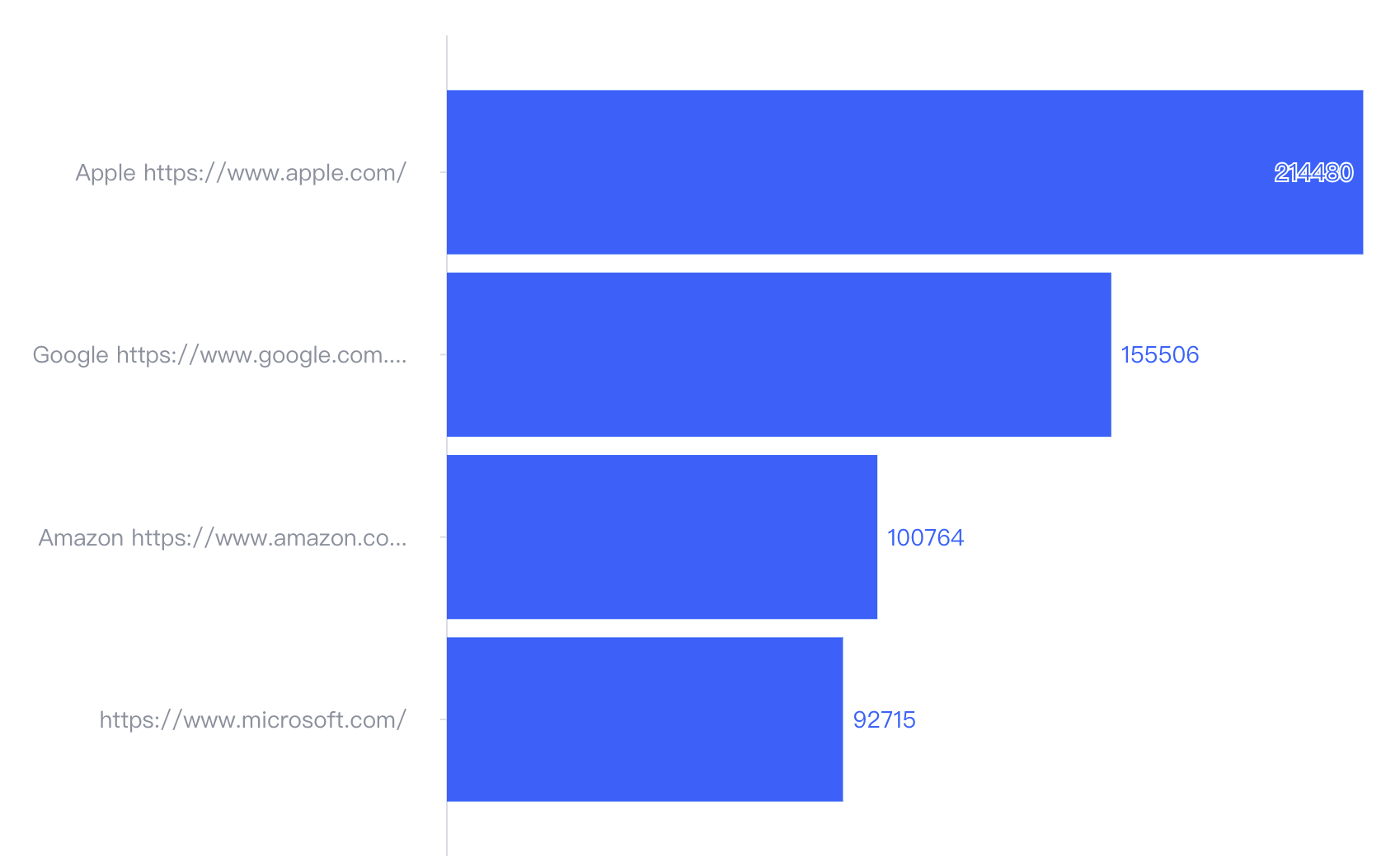
当轴标签非常长的时候,怎么实现换行?截断相关效果
解决方案
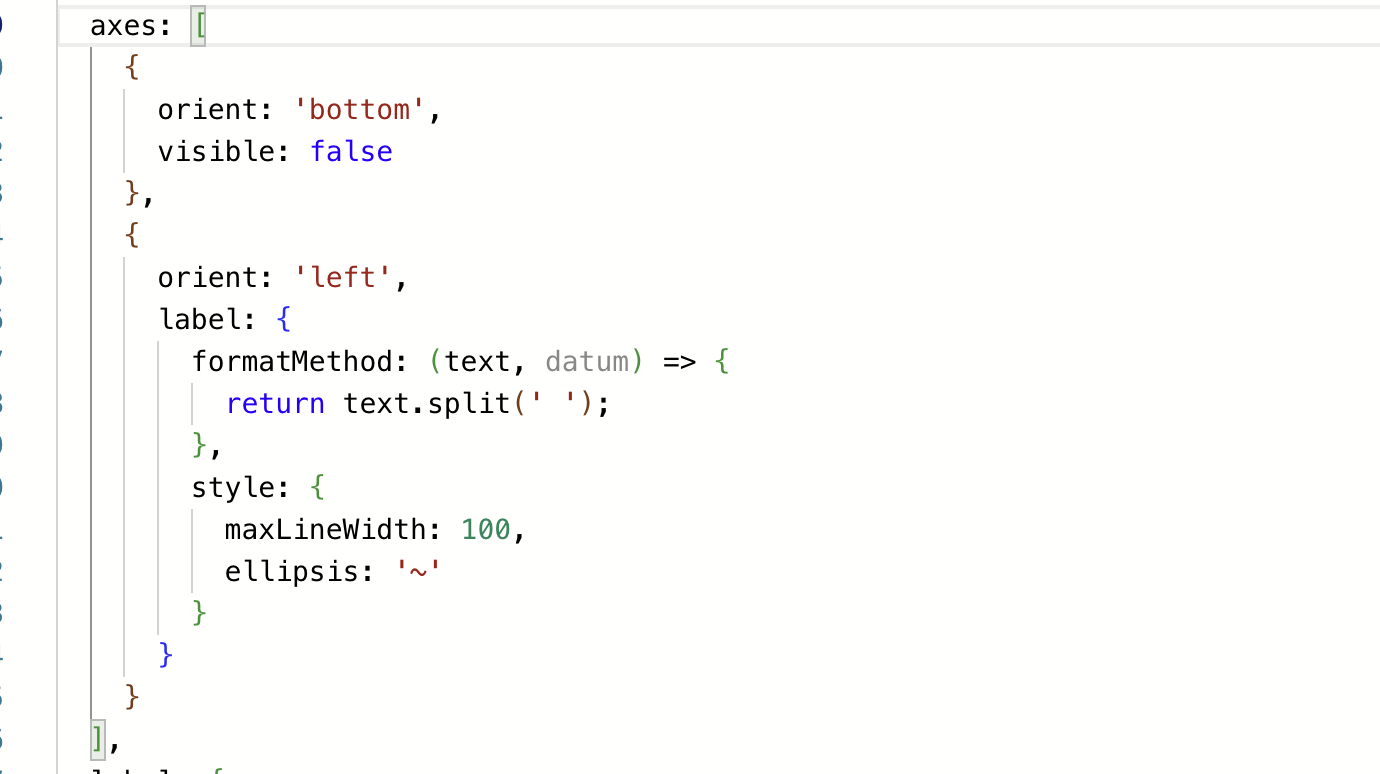
不同图表库的解决方案不一样,根据你给的 demo,在 VChart 中只需要配置 axes 中对应轴的label相关配置:
- 通过
formatMethod返回数组,可以实现自定义换行 - 通过
style.maxLineWidth可以实现自动截断 - 通过
style.ellipsis可以设置省略符
代码示例
const spec = {
  type: 'bar',
  data: [
    {
      id: 'barData',
      values: [
        {
          name: 'Apple https://www.apple.com/',
          value: 214480
        },
        {
          name: 'Google https://www.google.com.hk/',
          value: 155506
        },
        {
          name: 'Amazon https://www.amazon.com/',
          value: 100764
        },
        {
          name: 'Microsoft https://www.microsoft.com/',
          value: 92715
        }
      ]
    }
  ],
  direction: 'horizontal',
  xField: 'value',
  yField: 'name',
  axes: [
    {
      orient: 'bottom',
      visible: false
    },
    {
      orient: 'left',
      label: {
        formatMethod: (text, datum) => {
          return text.split(' ');
        },
        style: {
          maxLineWidth: 100,
          ellipsis: '~'
        }
      }
    }
  ],
  label: {
    visible: true
  }
};